
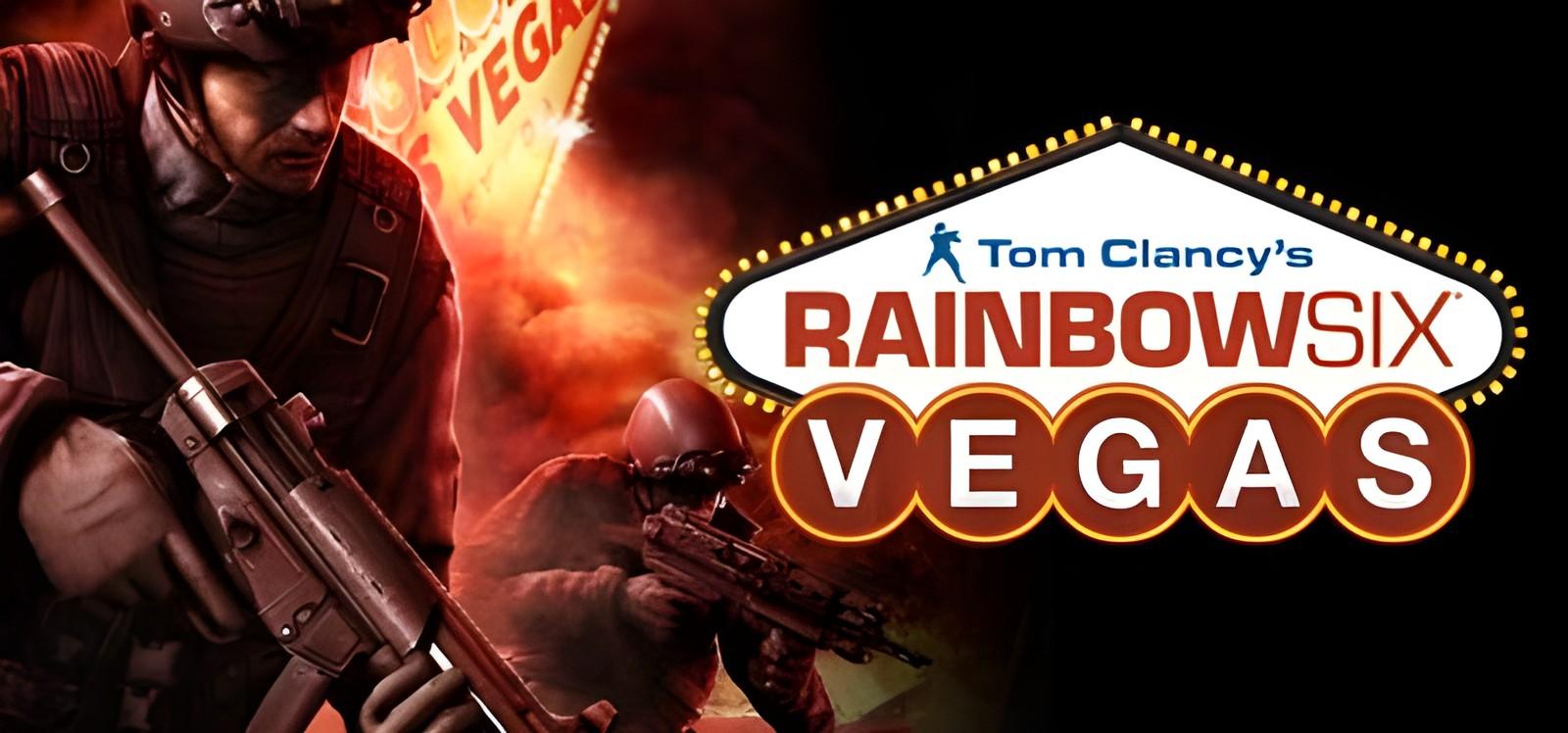
Tom Clancy's Rainbow Six® Vegas: installation and first launch
Ubisoft Montreal
Check the system requirements and access conditions before starting Tom Clancy's Rainbow Six® Vegas. The game access panel provides the instructions for your selected access.
Two ways to start playing
Buy the game separately
The store lists purchase conditions and edition contents.
Subscribe to SteamGate (recommended)
Check the game page and its access conditions before subscribing.
About Tom Clancy's Rainbow Six® Vegas
Tom Clancy's Rainbow Six makes its next-generation hardware debut in the most dramatic installment of the renowned first-person shooter franchise to date. Rainbow operatives take to the chaotic streets of Las Vegas as an escalating terrorist siege in 'Sin City' threatens to take world terrorism to new, uncontrollable heights. The future of global security hangs in the balance as you battle to defend classic Vegas locations and environments like Fremont Street, the Strip, and casinos. Experience Las Vegas like never before - through revolutionary next- generation technology as you work against…
System requirements
- Supported OS: Originally released for Windows 7, the game can be played on Windows 10 and Windows 11 OS
- Processor: 3 GHz Pentium 4 or AMD Athlon 3000 (3.5 GHz Pentium 4 or Athlon 3500 recommended)
- Memory: 1 GB (2 GB recommended)
- Graphics: 128 MB DirectX 9.0c-compliant, Shader 3.0-enabled video card (256MB recommended) (see supported list*)
- Sound: DirectX 9-compliant sound card (PC audio solution containing Dolby Digital Live required for Dolby Digital audio)
- DirectX: DirectX 9 or higher
- Hard Drive: 7 GB free
- Peripherals supported: Windows-compatible mouse and keyboard, Xbox 360 Controller (with additional software download)
- Multiplayer: Broadband Internet connection with 128 kbps Kbps upstream or faster.
- *Supported video cards NVIDIA GeForce 6600GT / 6800 / 7300 / 7600 / 7800 / 7900, ATI Radeon X1600 / X1800 / X1900 families; Laptop versions of these cards are not fully supported. For an up-to-date list of supported chipsets, video cards, and operating systems, please visit the FAQ for this game at: .
Frequently asked questions
Where can I check access conditions for Tom Clancy's Rainbow Six® Vegas?
Open the game page and access panel. Check availability and the instructions for your access before subscribing. Ask support if any conditions are unclear.
How much does it cost?
Current plans are published on the subscription page. Your access period depends on the selected plan. A one-month catalog subscription costs 7 USDT. See the subscription page for other plans and the final payment amount.
Do online modes work?
No. The subscription is for single-player: online modes and online co-op are not available.
What affects the time until the first launch?
Download size, connection speed, component installation and any required activation. Finish installation and follow the access panel instructions.
Start playing Tom Clancy's Rainbow Six® Vegas
Check access conditions and current plans before subscribing.