
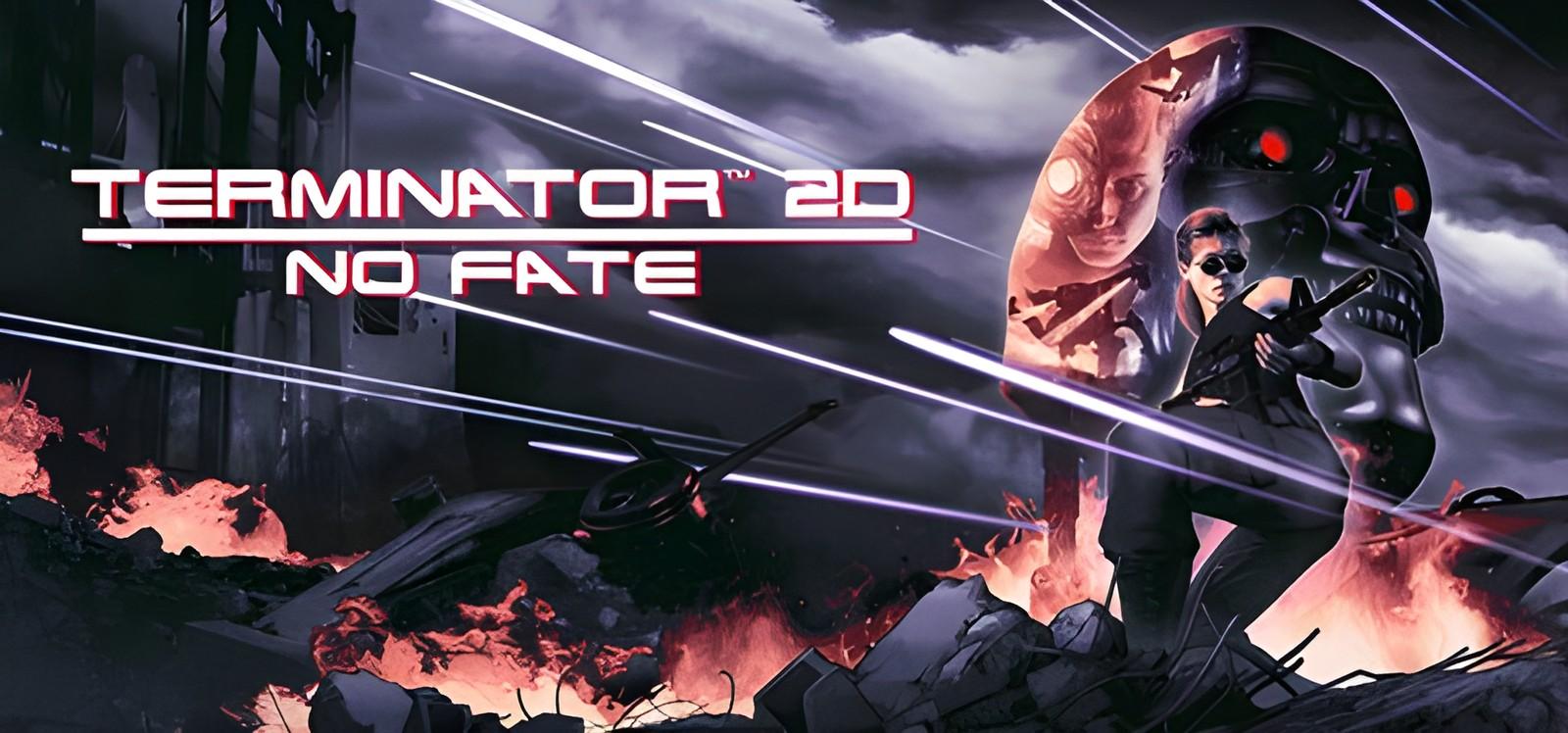
Terminator 2D: NO FATE: installation and first launch
Bitmap Bureau
Check the system requirements and access conditions before starting Terminator 2D: NO FATE. The game access panel provides the instructions for your selected access.
Two ways to start playing
Buy the game separately
The store lists purchase conditions and edition contents.
Subscribe to SteamGate (recommended)
Check the game page and its access conditions before subscribing.
About Terminator 2D: NO FATE
Experience the events of ‘ Terminator 2: Judgment Day ’ brought to life through glorious pixel artwork and action-packed arcade gameplay! Play as Sarah Connor and the T-800 through a variety of thrilling missions as they take on the T-1000 and try to put a stop to Skynet’s plans before the human race is annihilated. Lead the Resistance as John Connor in the future, fighting on the front lines as mankind’s only hope in the War Against the Machines. In this unique story blending iconic scenes from ‘ Terminator 2: Judgment Day ’ with original scenarios and multiple endings, humanity’s fate is…
System requirements
- OS: Windows 10 version 21H1 (build 19043) or newer
- Processor: Intel Core i5 (x86, x64 architecture with SSE2 instruction set support, ARM64)
- Memory: 4 GB RAM
- Graphics: 1GB VRAM
- DirectX: Version 10
- Storage: 1 GB available space
- Sound Card: Any compatible soundcard
Frequently asked questions
Where can I check access conditions for Terminator 2D: NO FATE?
Open the game page and access panel. Check availability and the instructions for your access before subscribing. Ask support if any conditions are unclear.
How much does it cost?
Current plans are published on the subscription page. Your access period depends on the selected plan. A one-month catalog subscription costs 7 USDT. See the subscription page for other plans and the final payment amount.
Do online modes work?
No. The subscription is for single-player: online modes and online co-op are not available.
What affects the time until the first launch?
Download size, connection speed, component installation and any required activation. Finish installation and follow the access panel instructions.
Start playing Terminator 2D: NO FATE
Check access conditions and current plans before subscribing.