
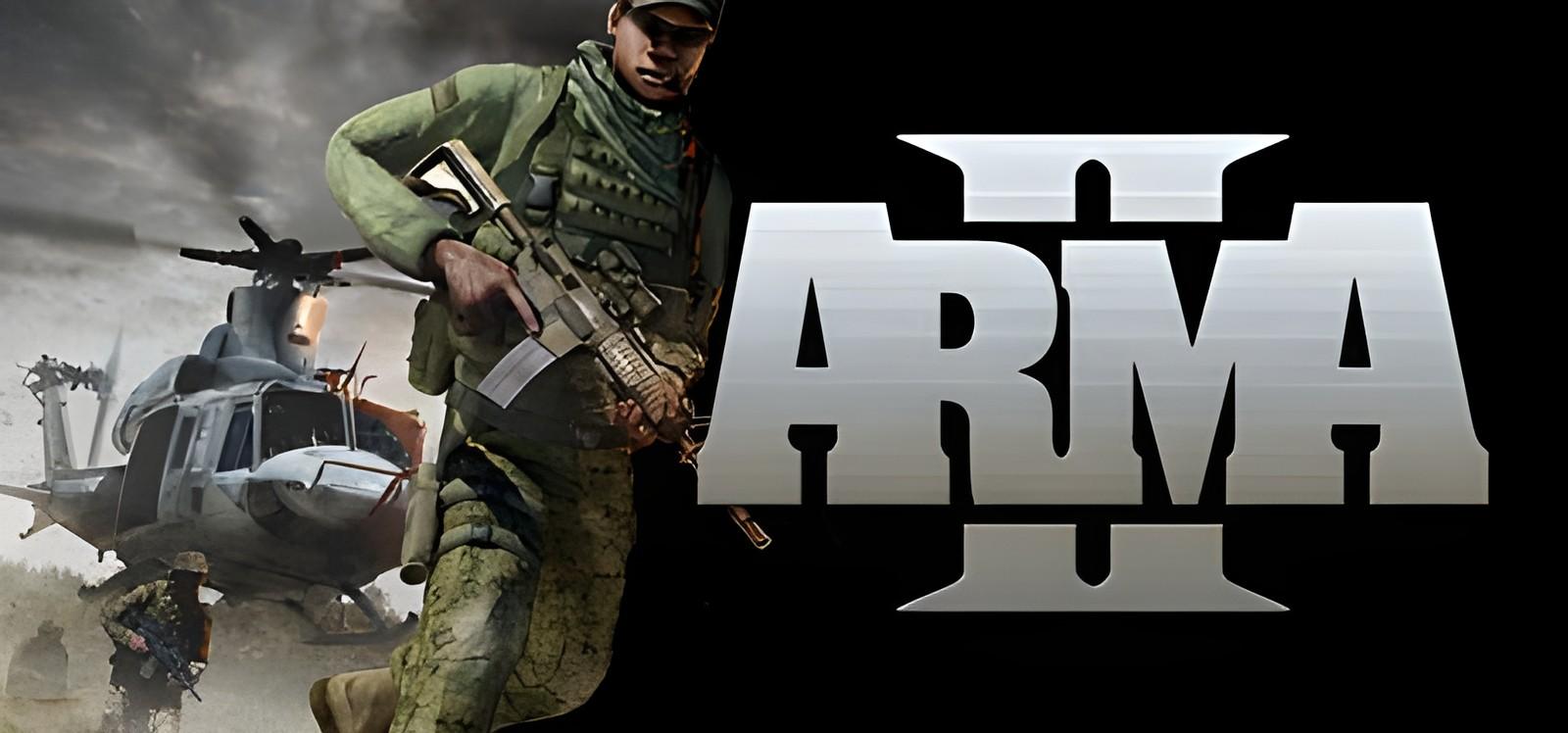
Arma 2: installation and first launch
Bohemia Interactive
Check the system requirements and access conditions before starting Arma 2. The game access panel provides the instructions for your selected access.
Two ways to start playing
Buy the game separately
The store lists purchase conditions and edition contents.
Subscribe to SteamGate (recommended)
Check the game page and its access conditions before subscribing.
About Arma 2
Building on 10 years of constant engine development, ARMA II boasts the most realistic combat environment in the world. It models real world ballistics & round deflection, materials penetration, features a realtime day/night cycle and dynamic wind, weather and environmental effects. The simulation of a combat environment is so effective, the engine forms the basis for training simulators used by real armies the world over. Although ARMA II is set in the fictional ex-soviet state of 'Chernarus' the gameworld is actually a 225 square kilometer chunk of the real world! ARMA II's highly detailed…
System requirements
- OS: Windows 10
- Processor: Dual Core CPU (Intel Pentium 4 3.0 GHz, Intel Core 2.0 GHz, AMD Athlon 3200+ or faster)
- Memory: 1 GB RAM
- Graphics: GPU (Nvidia Geforce 7800 / ATI Radeon 1800 or faster) with Shader Model 3 and 256 MB VRAM
- Storage: 10 GB available space
Frequently asked questions
Where can I check access conditions for Arma 2?
Open the game page and access panel. Check availability and the instructions for your access before subscribing. Ask support if any conditions are unclear.
How much does it cost?
Current plans are published on the subscription page. Your access period depends on the selected plan. A one-month catalog subscription costs 7 USDT. See the subscription page for other plans and the final payment amount.
Do online modes work?
No. The subscription is for single-player: online modes and online co-op are not available.
What affects the time until the first launch?
Download size, connection speed, component installation and any required activation. Finish installation and follow the access panel instructions.
Start playing Arma 2
Check access conditions and current plans before subscribing.